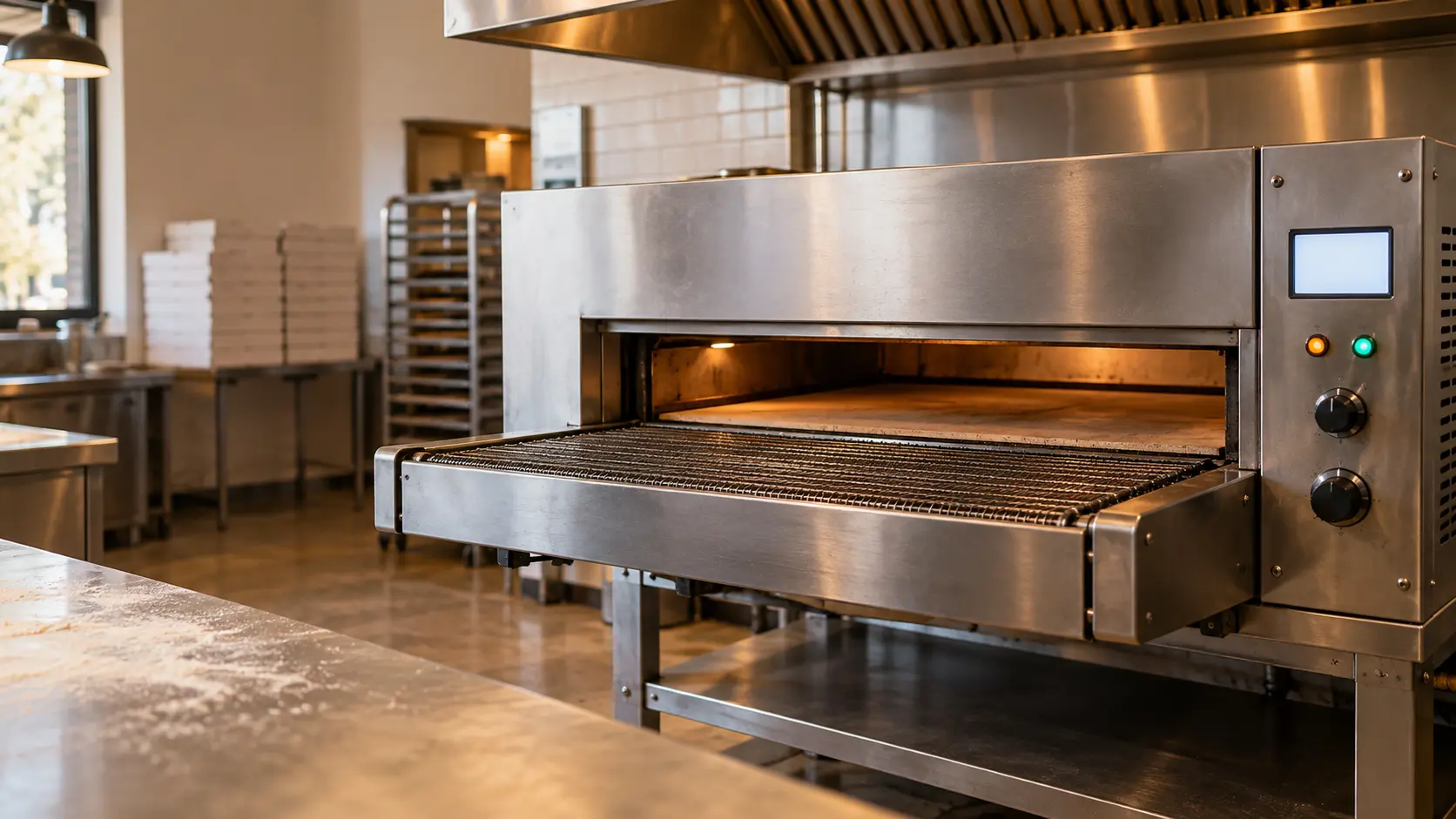
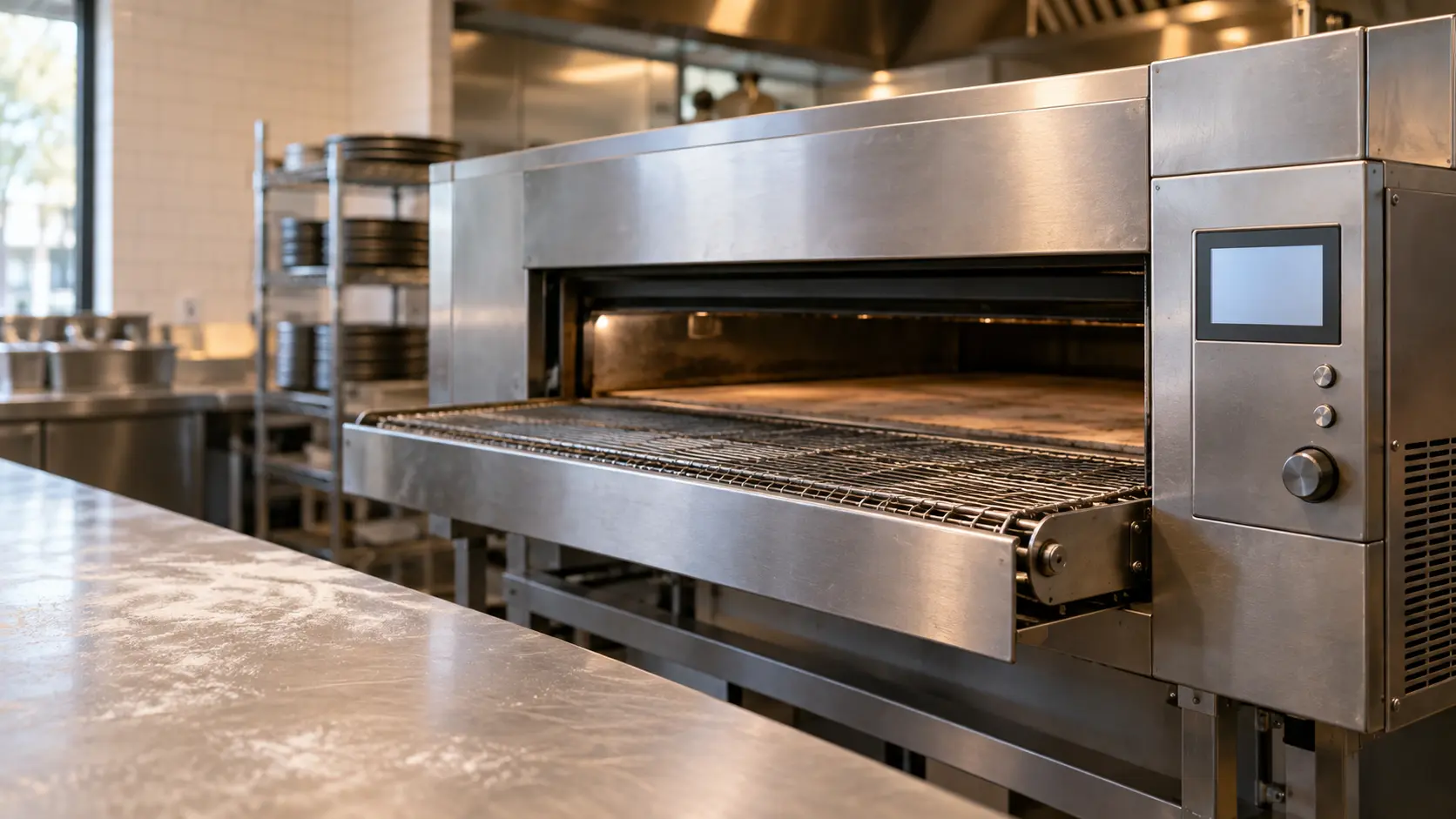

Wood Stone Fire Deck Automatic: cook buttons flashing red
The round cook buttons beside the FA-9660 touchscreen show the oven state by color: off while heating, green when ready, steady red while the flame is at cook height, and flashing red when the oven is over its set point.
Mon–Sat, 8am–8pm
- Mode, not a failure
- No repair needed
- Source: Wood Stone
Book a visit
Three short steps, about a minute.
or call (844) 747-3662
Loading appointment form…
The appointment form couldn’t load. Please try again.
What Cook buttons flashing red
actually means.
The round cook buttons beside the FA-9660 touchscreen show the oven state by color: off while heating, green when ready, steady red while the flame is at cook height, and flashing red when the oven is over its set point.
Wood Stone pizza oven display · also shown as Lights flashing red
What to do when Cook buttons flashing red shows on the pizza ovenKind of codeMode, not a failure
No part of the oven has failed; the display is reporting a state someone chose or the oven entered on its own. A cool-down keeps the blowers turning after the heat is off until the cavity or the tunnel has dropped to a safe level, an energy save setting lets the decks sag between rushes, and a menu lock stops anyone on the line from changing the bake times. No part is needed: letting the cool-down run out, or the key sequence in the manual, brings the oven back.
Usually leads toNo repair
Hold off loading until the lights settle back to green.
Shows up asPizza Oven Error Code on a Deck, Conveyor or Rapid-Cook Display
A pizza oven error code shows as letters or numbers on the display of a conveyor, deck or rapid-cook oven, a flashing light on its panel, or a message about ignition, heat, belt or airflow.
MakeWood Stone
Where a Wood Stone oven faces the dining room, the tech plans the visit around guests who can watch the hearth from their tables.
SourceWood Stone Fire Deck Automatic FA-9660 installation and operation manual (M0294)
Wood Stone Fire Deck Automatic FA-9660 gas ovens with the 8.5-inch touchscreen.
Before you book,
in this order.
Each step comes from Wood Stone's own guidance for Cook buttons flashing red on its pizza ovens. Follow it to the end: the last card says whether this is a visit.
Hold off loading until the lights settle back to green.
Check the set point on the touchscreen is the one you meant to use.
If the buttons flash red often with a normal set point, book a visit so the controller and the flame control can be checked.
Cleared?
The code has left the display, the decks or the tunnel come up to the set heat and hold it through a full service, the belt keeps its speed and the blowers run steady, all with no part changed. If the same code returns within a week, or on the next busy night, say so when you book.
What not to do
Flashing red on these buttons is not an ignition alarm and does not ask for a reset. It is also different from steady red, which only means the flame is at cook height.
What you may
notice with it.
The pizza oven problems Cook buttons flashing red tends to arrive with. Answer these at the pizza oven before anyone is booked.
All problems
No repair indicated
Nothing to repair.
No part of the oven has failed; the display is reporting a state someone chose or the oven entered on its own. A cool-down keeps the blowers turning after the heat is off until the cavity or the tunnel has dropped to a safe level, an energy save setting lets the decks sag between rushes, and a menu lock stops anyone on the line from changing the bake times. No part is needed: letting the cool-down run out, or the key sequence in the manual, brings the oven back.
Wood Stone
pizza ovens.
Where a Wood Stone oven faces the dining room, the tech plans the visit around guests who can watch the hearth from their tables.
Wood Stone pizza oven repairMore Wood Stone codes
Mode, not a failure on other makes

Outdoor gas pizza oven
A stainless pizza oven on a counter, a cart or set into masonry, fired by propane or natural gas under a stone floor and a low insulated dome.

Wood-fired pizza oven
A refractory dome over a firebrick or cast hearth, fired with wood and often a gas burner too, with a chimney, a door and thick insulation around it.
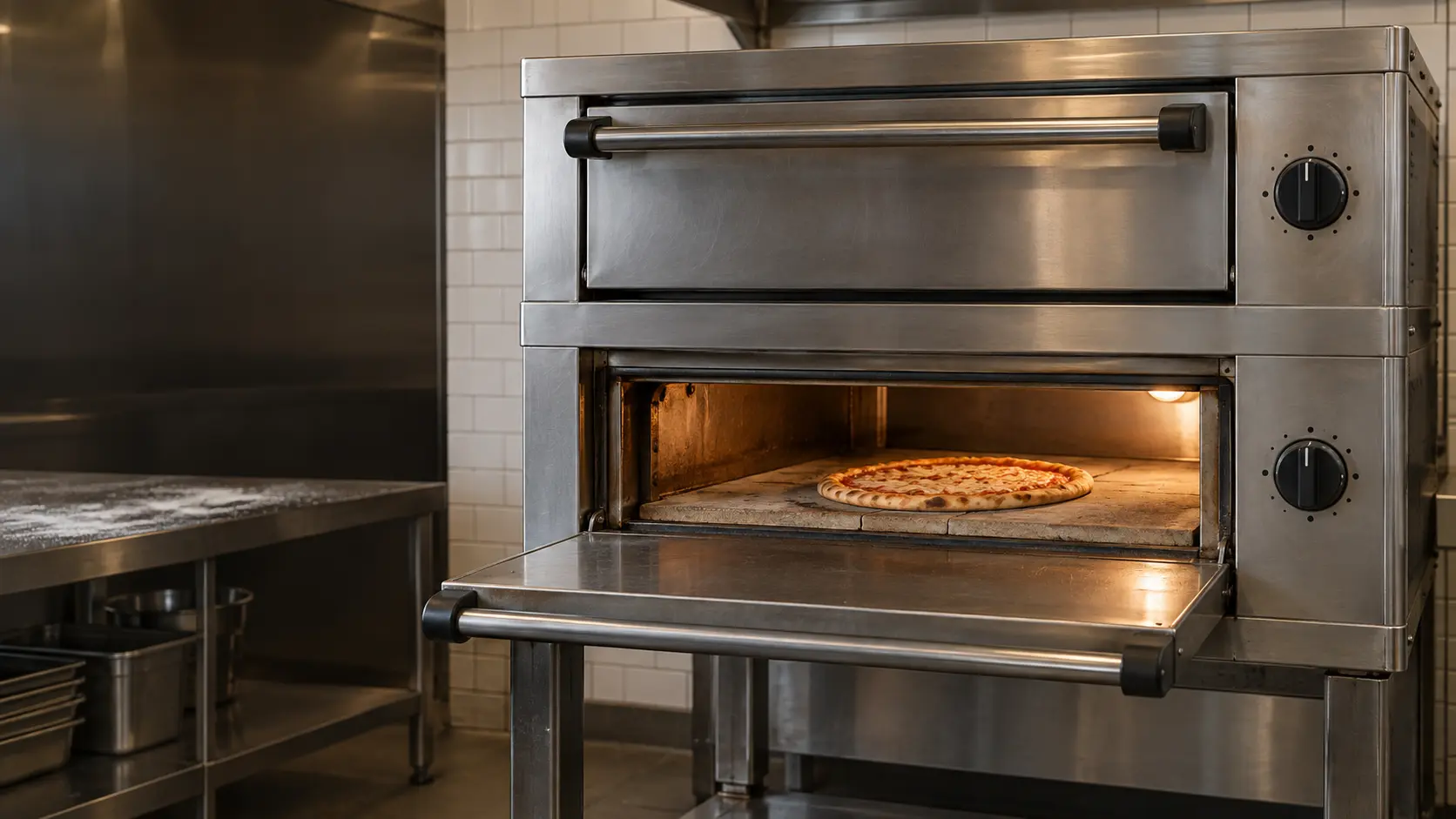
Commercial deck oven
A pizzeria's stacked steel oven with stone decks, heated by gas burners or electric elements, each deck with its own door, thermostat and controls.
In Wood Stone's own words
Lights flashing red--oven is over setpoint.
Every code on this site is taken from the manufacturer's documentation, never from a forum or a parts listing. Wood Stone Fire Deck Automatic FA-9660 gas ovens with the 8.5-inch touchscreen.
Wood Stone Cook buttons flashing red pizza oven repair,
where we come out.
The same visit in every metro below: the code, the model number, and a diagnosis before any part is ordered.
All service areasTampa BayFL · 31 areas
Miami / South FloridaFL · 47 areas
New York MetroNY · 75 areas
HoustonTX · 36 areas
ChicagoIL · 50 areas
Los AngelesCA · 95 areas
San DiegoCA · 31 areas

Questions
about Cook buttons flashing red.
Can I clear Cook buttons flashing red myself?
What do flashing red cook buttons mean on a Wood Stone Fire Deck Automatic?
What is the difference between steady and flashing red on the FA-9660?
How do I turn off a Wood Stone Fire Deck Automatic?
Back to your everyday
Still showing Cook buttons flashing red?
A booking with a code goes further when it has the code copied as shown, the model and serial from the rating plate, and a note on whether the oven still lights, heats or moves its belt. With those three, the office can match the likely part to your oven the same day.